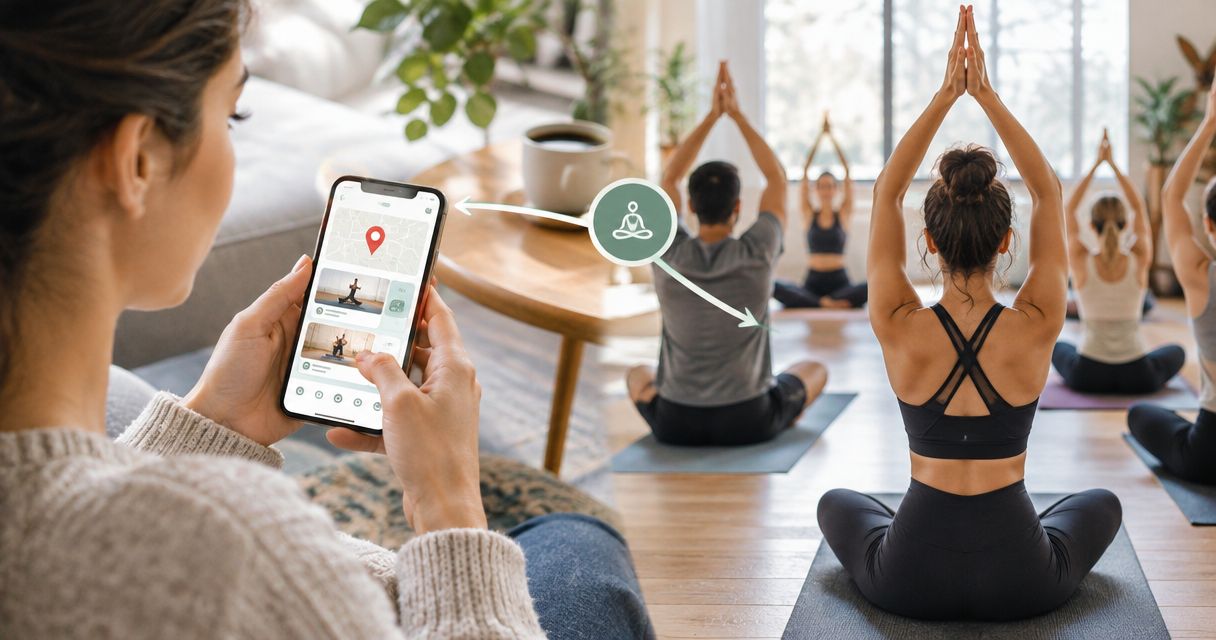
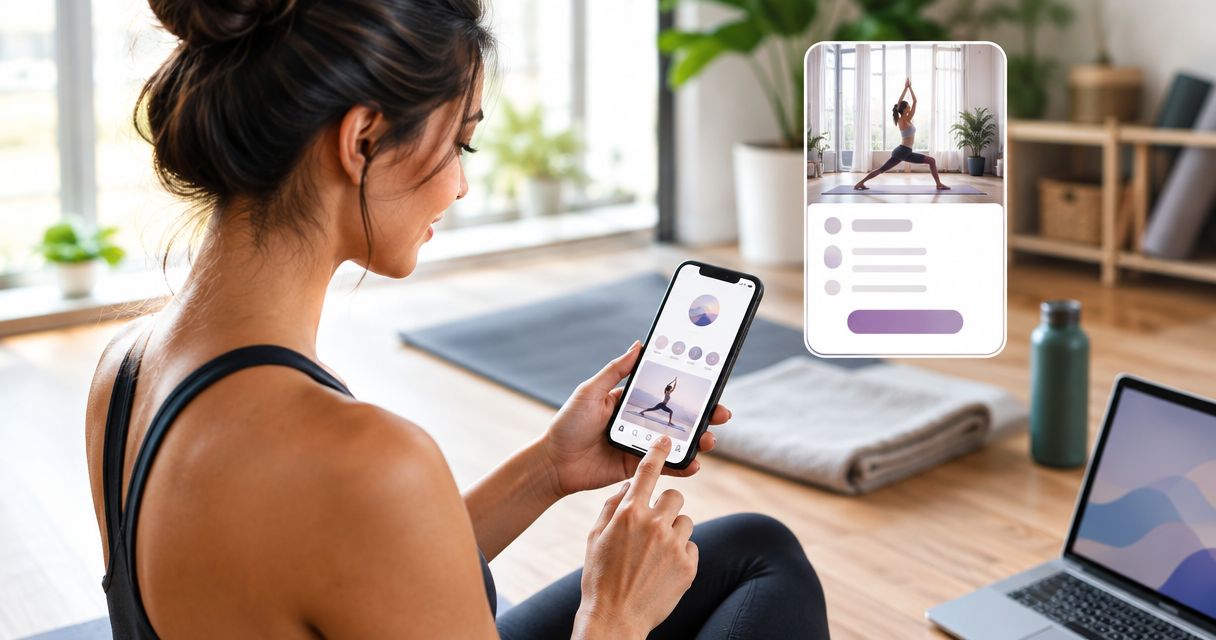
Instead of repeatedly checking Instagram posts for class details, follow the studio’s profile link to the live schedule, choose your session, and finish the reservation process. To book a yoga class from Instagram, use the booking confirmation—not a saved post, message, or payment receipt—as your final checkpoint.
- Book a yoga class from Instagram through the studio’s live schedule, then verify your reservation.
- Unified Hot Yoga suits American Fork newcomers seeking yoga, Pilates, or Barre across skill levels.
- Choose the class format before choosing a membership; check beginner guidance and preparation requirements.
- Save confirmed booking details in your calendar, not details copied from an Instagram post.
Why this matters
An Instagram post helps you discover a class. It does not establish that you have reserved a place. A message asking about a session is also different from completing the booking process.
Unified Hot Yoga is best for American Fork newcomers who want to choose among hot yoga, Pilates, and Barre at an all-skill-levels studio. The useful next step is the class schedule, where you can check the session you intend to attend.
For your first booking in 2026, separate three decisions: which class you want, whether its timing works, and whether the reservation is complete. That keeps an appealing Instagram post from becoming an unfinished plan.
Before you start
- Have access ready. Open Instagram and have an email address you can check. If the booking destination requests an account, use credentials you can access rather than creating another account unnecessarily.
- Choose 2 class preferences. Pick a preferred format and a backup, plus a realistic day. Consider travel from American Fork or your nearby Utah County city before selecting a start time.
- Watch the payment-versus-reservation distinction. Purchasing a pass or membership is not proof of a booking for a particular session. Before leaving the booking destination, look for a reservation tied to your chosen class, date, and time.
You do not need to understand every class type before opening the schedule. You do need to know what you are choosing. Use the comparison below as a starting point, then read the actual class description for studio-specific instructions.
Choose your first class format
Unified Hot Yoga offers Vinyasa, Yin, 26&2, Hot Pilates, Reformer Pilates, and Barre. The distinctions below describe the formats generally; the session description determines what to expect from your booking.
| Class format | What it generally involves | Best for | What to weigh |
|---|---|---|---|
| Vinyasa | Yoga postures connected through movement and breath | People interested in a flowing practice | Following transitions adds a coordination task for newcomers |
| Yin | Longer-held yoga postures with less frequent transitions | People who prefer time to settle into a position | Stillness does not mean every posture feels easy |
| 26&2 | A structured yoga sequence | People drawn to a consistent framework | Learn the class expectations rather than assuming it matches Vinyasa |
| Hot Pilates | Pilates-based exercise in a heated setting | People interested in Pilates-style movement with heat | Heat and unfamiliar movements require attention to comfort |
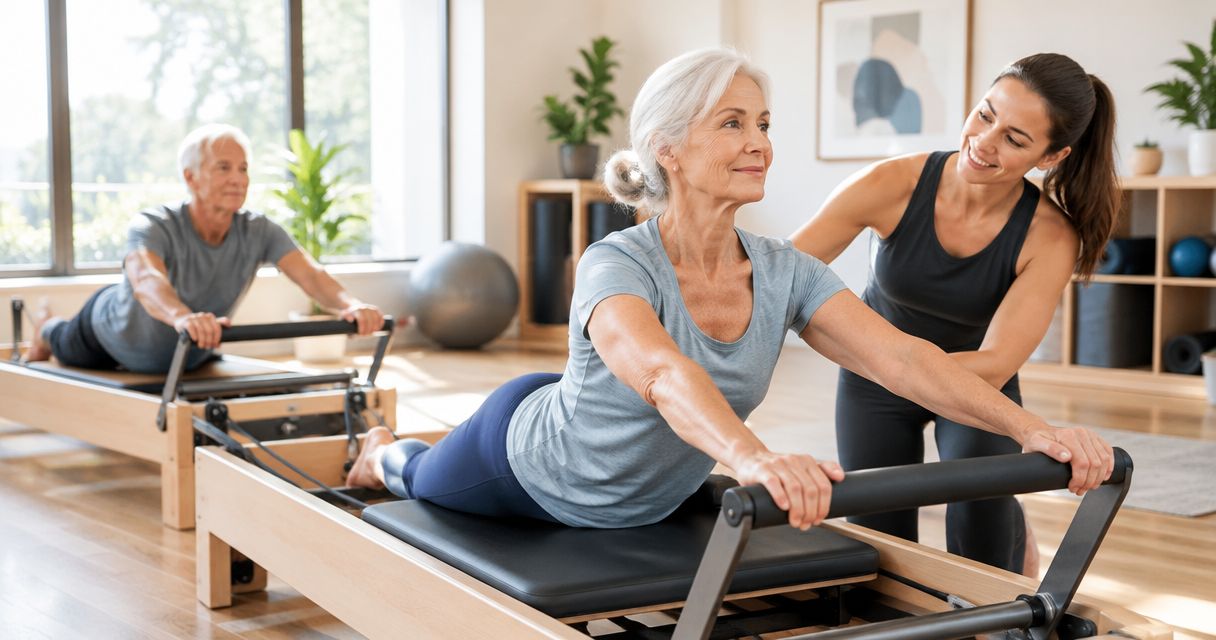
| Reformer Pilates | Pilates using a spring-resistance apparatus | People interested in equipment-based instruction | Equipment setup is an additional learning task |
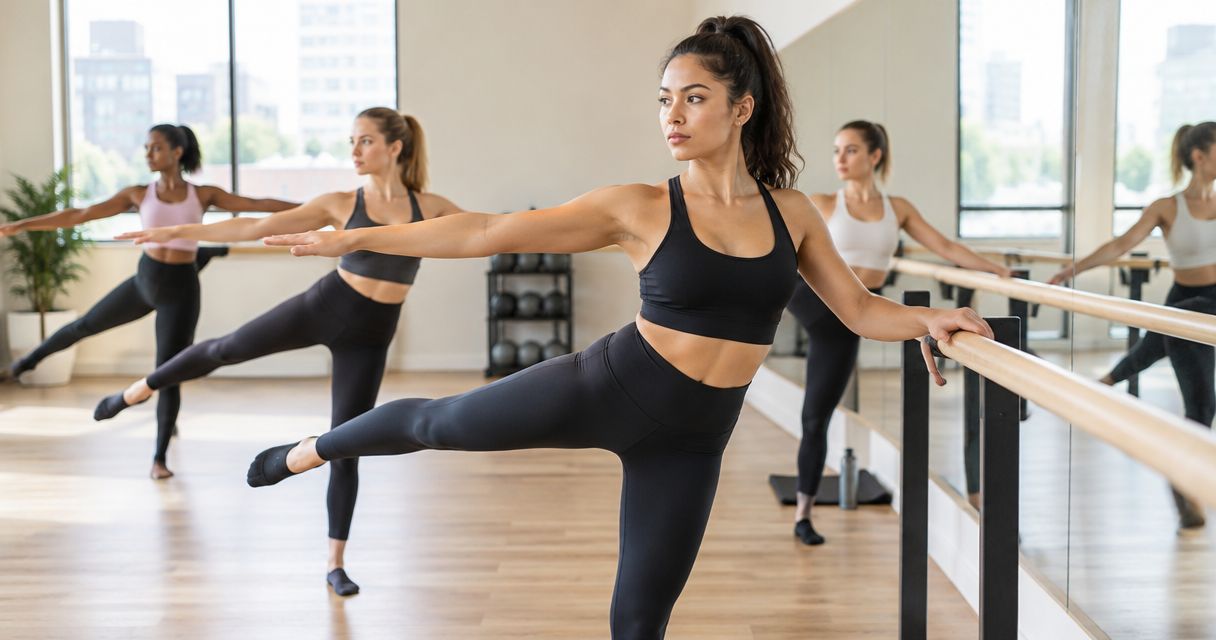
| Barre | Exercise drawing on ballet-inspired positions and controlled movements | People interested in standing, position-focused exercise | Unfamiliar positioning can require extra explanation |
Choose by the movement experience you want, not by which format sounds most demanding. For a first visit, ask about beginner guidance and modifications before committing to a class whose description leaves you uncertain.
Profile link and schedule access
- Open the studio’s Instagram profile rather than relying only on an individual post or Reel. Check that the profile identifies the studio you intend to visit.
- Tap the website link in the profile. If a link-selection page appears, choose the destination that leads to the studio’s schedule or booking information.
- Check the destination before entering personal details. Confirm the studio identity and location, especially if the link opens a separate booking service.
Expected result: You have reached the studio’s schedule or booking destination, not merely another social post or a general information page.
Instagram’s mobile layout and the booking destination are separate interfaces. Follow the controls actually displayed rather than searching for a button name from an unrelated tutorial. There is no need to connect an Instagram account to a booking account unless the destination explicitly requires it.
For a 2026 booking, treat the live schedule as the checkpoint for the class you intend to reserve. A post can introduce a format without supplying every detail needed to book it.
Class selection and first-visit checks
- Find your preferred class format on a day you can attend. Read the full session description before continuing, including any experience guidance or preparation instructions.
- Check 3 booking details together: the class name, calendar date, and start time. Confirm the studio location separately, then allow for travel and the arrival instructions provided by the studio.
- Resolve first-visit questions before completing the reservation. Ask about required equipment, what the studio supplies, clothing, and whether the selected session suits someone new to the format.
Expected result: You can explain which class you selected, when and where it takes place, and what you need for your first visit.
For Unified Hot Yoga classes, do not assume that mat-based yoga, Hot Pilates, Barre, and Reformer Pilates have identical equipment requirements. Use the class description and studio guidance to settle those differences.
Start your packing plan with comfortable movement clothing and water, then confirm mat, towel, footwear, or grip-sock requirements for your specific session. The first hot yoga class packing guide helps you organize questions before a heated yoga visit.
If heat or exercise raises a medical concern, speak with a qualified clinician before choosing a heated class. A booking workflow cannot determine whether a particular activity is appropriate for your health.
Reservation and confirmation
- Follow the booking destination’s displayed instructions. Sign in or create an account only when prompted, and check the email address attached to that account.
- Read any purchase terms, cancellation conditions, and participation requirements presented before you commit. If you are ready to join, consult the studio’s current pricing information for intro offers and memberships; choose only after checking what applies to your intended class.
- Complete the reservation action and inspect the resulting status. Look for confirmation connected to your selected session, rather than stopping at an account-created message or purchase receipt.
Expected result: Your booking destination shows a confirmed reservation for the correct class, date, and time, or clearly identifies a different status that needs attention.
Do not repeat a purchase just because a confirmation email has not arrived. First check your booking account and the messages already received. A missing email and an incomplete reservation are different problems.
If the screen shows a waitlist rather than a confirmed booking, follow the displayed instructions. Do not treat a waitlist position as a confirmed place. If the status remains unclear, ask the studio to verify it before making another transaction.
Calendar and arrival plan
- Create 1 calendar event from the confirmed reservation. Copy the session name, date, start time, and location from the booking record rather than from an Instagram caption.
- Add the studio’s arrival instructions and your travel plan to the event notes. Choose a reminder that gives you enough time to prepare and leave.
- Recheck the reservation before your visit. If your plans change, use the booking destination’s displayed change or cancellation process and verify the result.
Expected result: Your calendar matches the reservation, and you know what to bring and how to arrive prepared.
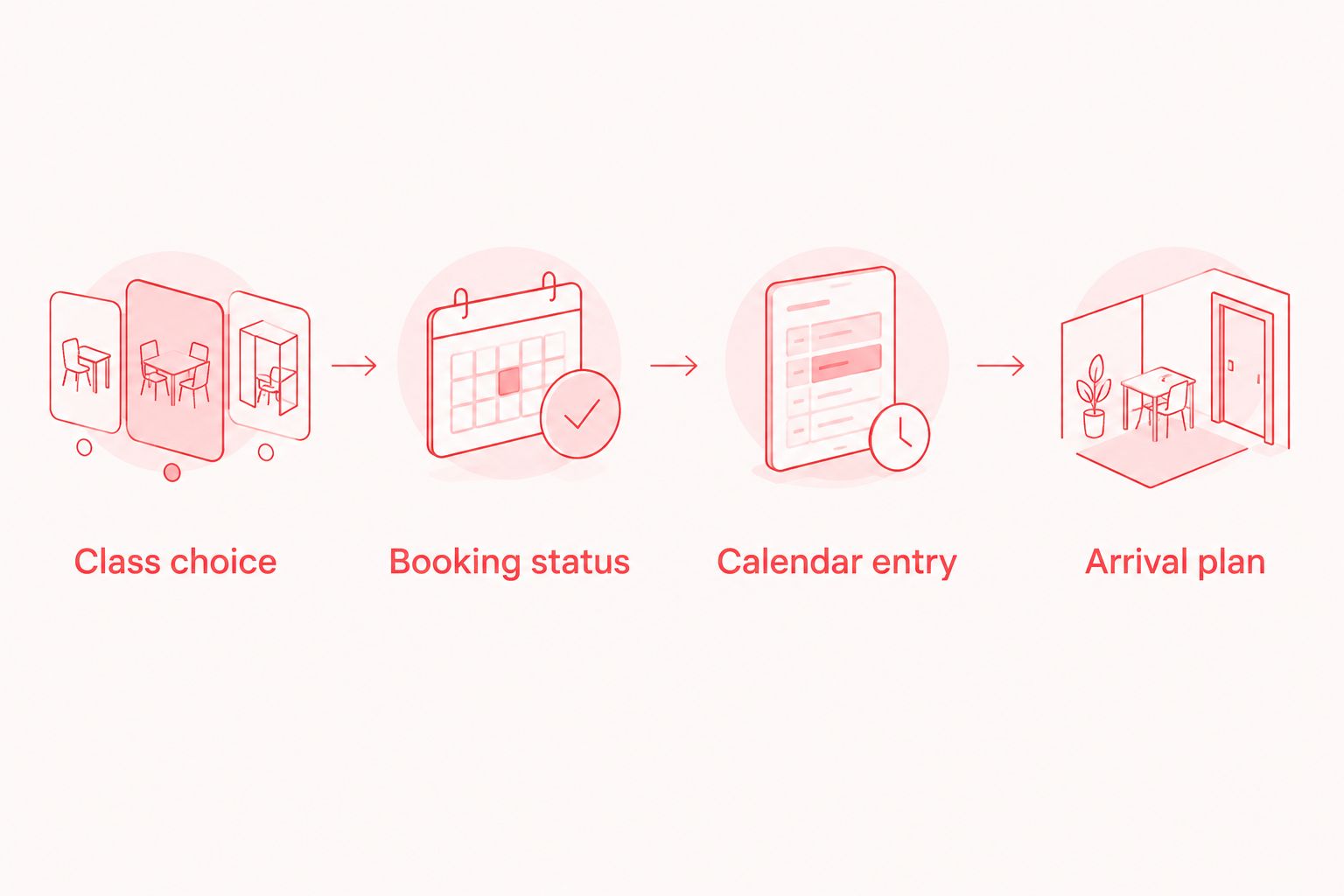
Use this four-part check for every first visit in 2026: Class choice, Booking status, Calendar entry, Arrival plan. Each part answers a different question; none replaces the others.
A second workflow: return after saving an Instagram post
Saving a post is useful when you are interested but not ready to choose a date. The limitation is simple: the saved post records your interest, not a reservation.
- Reopen the saved post to identify the class format that interested you.
- Return to the studio’s profile and open the schedule through the profile link.
- Select a session using its current description and booking details, not the date remembered from the post.
- Complete the reservation checks and calendar steps above.
Expected result: Your saved inspiration becomes a booking for a specific session rather than an old date copied into your calendar.
This variant also works when a friend shares a Reel. Use the shared content to identify what interests you, then independently verify the studio and session before booking. A shared post does not reserve places for either person.
Troubleshooting your Instagram-to-class booking
The profile link opens, but you cannot complete the form
Try opening the destination in your phone’s regular browser. Use the same booking account there, then check its reservation history before starting over. This separates a browser problem from an account or booking-status problem.
You paid, but cannot find a reserved class
Check whether the message confirms a purchase or a specific reservation. Look in your booking account for the intended session. If it is absent, ask the studio how to apply the purchase rather than paying again.
No confirmation email arrived
Check your spam folder and verify the email address in your booking account. Then inspect the reservation status directly. If neither the account nor the email establishes a confirmed booking, ask the studio to check.
The class details differ from the Instagram post
Recheck the date and session description in the live booking destination. Do not assume two similarly named sessions are interchangeable. Resolve any conflicting details with the studio before attending.
Your calendar shows a different time
Compare the calendar event with the reservation and check your calendar’s time-zone setting. Correct the calendar entry from the confirmed booking details. An edited calendar event does not change the reservation itself.
Customize your workflow for 2026
Keep the same confirmation process whether you choose yoga, Hot Pilates, Reformer Pilates, or Barre. Change the preparation notes to match the format instead of copying a hot yoga packing list into every booking.
For repeat visits, save the booking destination in your browser and retain your account access. Instagram remains useful for discovery, but you do not need to find the original post each time you want to check your reservation.
Unified Hot Yoga welcomes practitioners across skill levels. Tell the instructor that it is your first class and ask for help understanding unfamiliar movements or equipment. Clear questions support a more comfortable introduction to the community.
Choose your first class
Review the schedule, read the class description, and confirm the session that fits your plans.
FAQ
How do I book a yoga class from Instagram?
Open the studio’s profile link, reach its schedule, select a session, and complete the reservation process. Verify confirmation for the specific class, date, and time before adding it to your calendar.
Does sending an Instagram message book my class?
Do not treat an Instagram message as a confirmed reservation. Use the studio’s booking process or obtain explicit confirmation from the studio for the specific session.
Do I need an Instagram account connected to my booking account?
Follow the booking destination’s stated account requirements; do not assume the accounts need to be connected. Opening a profile link and completing a class reservation are separate actions.
Which Unified Hot Yoga class should I try first?
Choose the format whose movement style interests you, then check its beginner guidance. Unified Hot Yoga offers Vinyasa, Yin, 26&2, Hot Pilates, Reformer Pilates, and Barre for practitioners across skill levels.
What should I bring to my first class?
Bring comfortable movement clothing and water, then confirm the equipment requirements for your selected session. Ask about mats, towels, footwear, and anything supplied by the studio before you arrive.
Does buying a membership automatically reserve my class?
A membership purchase is not proof of a reservation for a specific session. Check your booking account for a confirmed class, date, and time after completing any purchase.
What should I check before booking my first class in 2026?
Check the current session description, date, start time, location, and participation requirements. Read the terms presented during booking and verify the final reservation status before leaving the destination.
One last thing
A screenshot preserves information; it does not update a reservation. Keep one if it helps you remember the details, but return to the booking record when checking a change, cancellation, or uncertain status. That small distinction keeps your first visit grounded in the class you actually booked.