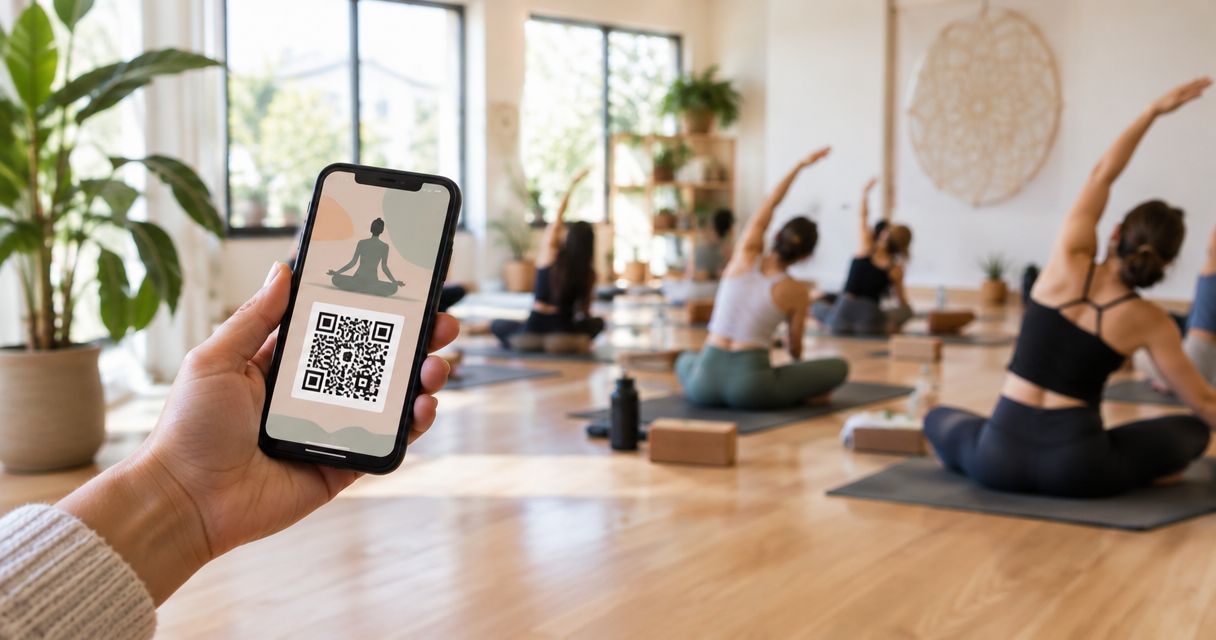

Instead of manually counting visits after every class, use class pack automatic tracking when your booking account supports it: connect the purchase to the correct profile, apply the eligible pack when booking, and verify how visits affect the balance. This 2026 workflow explains what to check before relying on automation, without assuming a particular app or studio policy.
- Class pack automatic tracking works only when purchases, eligible bookings, and visit deductions connect correctly.
- Unified Hot Yoga offers yoga and Pilates classes; confirm pack eligibility and tracking features before purchasing.
- Check the account profile, purchase record, booking payment source, and cancellation rules before relying on the displayed balance.
- Use the booking account as your primary record; keep receipts to resolve discrepancies.
Why this matters
A purchase receipt proves payment. It does not, by itself, explain whether a visit is deducted when you reserve, check in, or attend. Confirm the deduction rule before treating a displayed balance as your remaining visits.
Unified Hot Yoga is best for American Fork newcomers seeking a studio offering both yoga and Pilates classes. Its classes include Vinyasa, Yin, 26&2 yoga, Hot Pilates, Barre, and Reformer Pilates. That class variety does not establish which sessions a particular pack covers.
Start with Unified Hot Yoga to review the studio, then ask which purchase option covers your intended classes. Treat choosing a class and checking payment eligibility as separate decisions.
Before you start
Have these ready before purchasing or changing anything in your account:
- Account access: Use an email address you control, and check whether you already have a studio booking profile. Avoid creating another profile simply because you cannot immediately find a receipt.
- Purchase and class details: Keep the receipt, purchase date, pack description, and intended class type together. Ask which classes the pack covers and what expiration or cancellation terms apply.
- The deduction-rule gotcha: Ask whether a visit is deducted at reservation, check-in, or attendance, and what happens after a cancellation. A lower balance does not establish that you attended a class.
For your first visit in 2026, ask what to bring, whether equipment is supplied, and how to prepare for the class you choose. The first hot yoga class packing guide addresses preparation separately from account setup.
If you are deciding among yoga, Hot Pilates, Barre, and Reformer Pilates, ask what the session involves and how beginners participate. Pack convenience should not decide your first class for you.
Purchase and profile connection
The first configuration unit is identity: the person buying the pack must connect to the account used for bookings. No specific booking platform or button labels are assumed here; follow the actual account wording rather than searching for a menu name from another system.
- Sign in to the booking account you intend to use for classes. Check the name and email address before making a purchase.
- Review the pack description and current terms. Confirm eligible class types, validity, and the applicable cancellation rules before completing payment.
- Complete the purchase through the studio's authorized purchase process. Save the receipt rather than relying only on a payment-card notification.
- Compare the purchase record with the signed-in profile. Check that the purchased entitlement appears against the intended person, not just in an email inbox.
- If payment is confirmed but the pack is missing, ask the studio to locate the transaction before purchasing again. Supply the receipt reference and account email, not full payment-card details.
Expected result: You can connect 1 purchase record to the profile you will use for booking, and you understand which classes that purchase covers.
Keep the purchase description intact. Renaming a receipt in your own files is fine, but preserve the original wording so staff can identify the entitlement if a later question arises.
Booking and payment-source connection
The next configuration unit is the reservation. A class appearing in a schedule does not establish that your pack can pay for it, so inspect eligibility before confirming the booking.
- Choose the class you actually want to attend. Check the class type, date, time, and location shown in the booking process.
- Review the payment source presented for that reservation. If the account offers multiple entitlements, select the eligible class pack rather than assuming the system chose it.
- Stop if the process requests an unexpected additional payment. Check eligibility and ask for clarification instead of completing another purchase to get past the screen.
- Confirm the reservation and retain its confirmation. Check that the class date and time match your intention.
- Inspect the pack balance and transaction history, if the account provides them. Interpret any change using the studio's deduction rule, not an assumption that reservations and attendance are identical.
Expected result: You have 1 confirmed reservation and can identify the payment entitlement attached to it, or you have a specific eligibility question to resolve before booking.
For a 2026 booking, use the terms attached to the purchase and reservation. Do not apply an old screenshot or another studio's cancellation practice to your account.
Visit history and balance verification
The final configuration unit is verification. Automatic tracking is useful only when you can explain how the balance changed; a number without its associated transaction is difficult to check.
- Before class, note the displayed balance and any pending reservation. A screenshot is a reference point, not a replacement for the account record.
- Follow the studio's check-in process when you arrive. Do not assume a booking confirmation also records your attendance.
- After the event that triggers a deduction, review the account again. That event must match the rule you confirmed earlier.
- Compare 3 records: the purchase record, the reservation or attendance record, and the remaining balance. Check that they describe the same account and class.
- If the records disagree, report the specific mismatch. Include the class date, purchase reference, and balance change so the studio can investigate the relevant transaction.
Expected result: You can explain the balance using recorded purchases and visit activity, without maintaining a separate running total as the primary record.
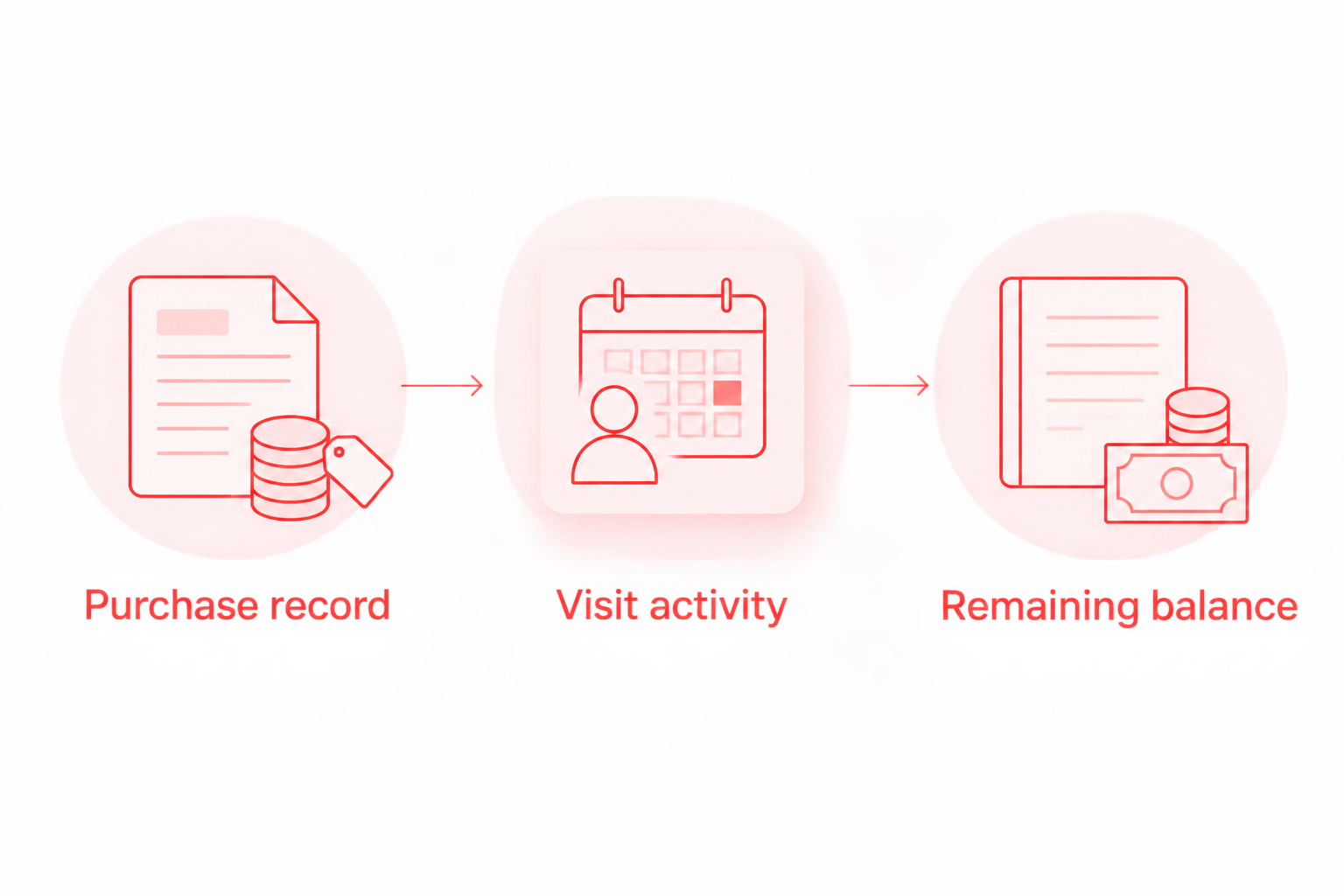
You do not need to repeat a full investigation after every class. Establish the rule on your first booking, then review the history when something changes or a balance looks wrong.
Cancellation and rescheduling checks
A second workflow matters whenever your plans change: connect the cancellation record to the pack balance. Canceling a reservation and restoring a visit are separate checks. Whether restoration applies depends on the terms governing that booking.
- Read the cancellation terms before changing the reservation. Check the applicable deadline and how the policy treats that specific change.
- Cancel through the studio's accepted process. Retain the cancellation confirmation or other record showing that the request was completed.
- Check the reservation status. A message you intended to send is not the same as a recorded cancellation.
- Review the pack history against the applicable policy. Ask about a missing restoration only after checking whether the booking qualifies for it.
- When rescheduling, verify the new reservation separately. Confirm its date, time, and payment source rather than assuming everything transferred from the old booking.
Expected result: The old reservation has a clear status, the balance follows the applicable terms, and any replacement class has its own confirmation.
For changes made in 2026, keep the relevant confirmation alongside the purchase receipt. That gives you a clear record if the account later shows a different status.
Automatic tracking versus a personal visit log
Use native automatic tracking when the booking system supports it and the rules are clear. Keep a personal log only as a reference; it cannot change the studio's booking or payment records.
| Approach | Best for | Practical advantage | Limitation |
|---|---|---|---|
| Native automatic tracking, when supported | Keeping purchases and bookings in the same account | Lets you inspect the recorded balance alongside booking activity | Still depends on correct account matching, eligibility, and deduction rules |
| Personal visit log | Recording details to discuss a discrepancy | Gives you a dated reference for your own attendance | Does not reserve classes, apply payment, or establish the official balance |
Neither approach removes the need to understand pack terms. A personal note can omit a cancellation, while an account balance needs interpretation if visits are reserved before attendance.
For Unified Hot Yoga yoga and Pilates classes, confirm the actual booking features before depending on automatic deductions. The studio's class offerings alone do not establish software functionality.
Troubleshooting
The receipt arrived, but the pack is missing
Compare the receipt email with the signed-in account email. Check for an existing profile before creating another account, then ask the studio to locate the purchase using its reference. Do not buy the pack again just to make it appear.
A balance dropped before you attended
Check whether the system deducts or reserves a visit when you book. Compare the transaction with your future reservations before reporting it as an incorrect attendance deduction. Ask the studio to explain any entry that does not match a booking.
The booking asks for another payment
Check the selected payment source, class eligibility, and pack validity. A pack intended for one class category does not establish coverage for another; confirm the terms instead of assuming all classes share payment rules.
A canceled class still affects the balance
Find the cancellation confirmation and compare its timing with the applicable policy. If the cancellation qualifies for restoration but the history does not reflect it, send the booking details to the studio for review.
The same visit appears to count twice
Compare reservation identifiers, class dates, and transaction descriptions. Ask the studio to review entries that appear duplicated; do not create another account or cancel unrelated reservations to offset the balance.
Customize your workflow
Once the purchase, booking, and balance agree, add reminders rather than another accounting system. A calendar reminder helps you remember a reservation; it does not confirm check-in or change the pack balance.
Use the automatic class reminders guide to plan that next layer. Keep reminders aligned with confirmed bookings, and remove or update them when your plans change.
Before purchasing another pack, review whether the eligible classes fit your actual routine. If your interests shift from Vinyasa to Reformer Pilates, or from Barre to Yin, check payment eligibility again rather than carrying assumptions across class types.
Ask the studio to explain current purchase options when you are ready to join. Choose around the classes you intend to attend and terms you understand, not around an unverified automation feature.
FAQ
What is class pack automatic tracking?
Class pack automatic tracking connects a purchased entitlement with bookings or attendance so a supported system updates the remaining balance. The deduction event and cancellation treatment depend on the booking rules.
Does Unified Hot Yoga automatically track class pack punches?
Confirm automatic punch tracking with Unified Hot Yoga before relying on it. Ask where to view the balance, what triggers a deduction, and how eligible cancellations affect the record.
Will booking a class immediately use a punch?
The booking system's deduction rule determines whether reserving a class uses or reserves a visit immediately. Check that rule before interpreting a lower balance as completed attendance.
Can I use the same class pack for yoga and Reformer Pilates?
Only the pack's eligibility terms establish which classes it covers. Confirm coverage for the specific yoga, Hot Pilates, Barre, or Reformer Pilates class before purchasing or booking.
What should I do if my class pack balance looks wrong?
Compare the purchase receipt, booking history, and cancellation records first. Send the studio the specific class date and transaction reference if those records do not explain the balance.
Do I need another app to count my yoga classes in 2026?
You do not need a second counting app if your booking account already provides accurate pack tracking. A personal log is an optional reference, not a replacement for the studio's records.
One last thing
Check which pack paid for the class, not just whether a balance changed. If your account contains multiple entitlements, an expected-looking total does not tell you which one the reservation used. Make payment-source verification part of your first booking and repeat it whenever you add another purchase.