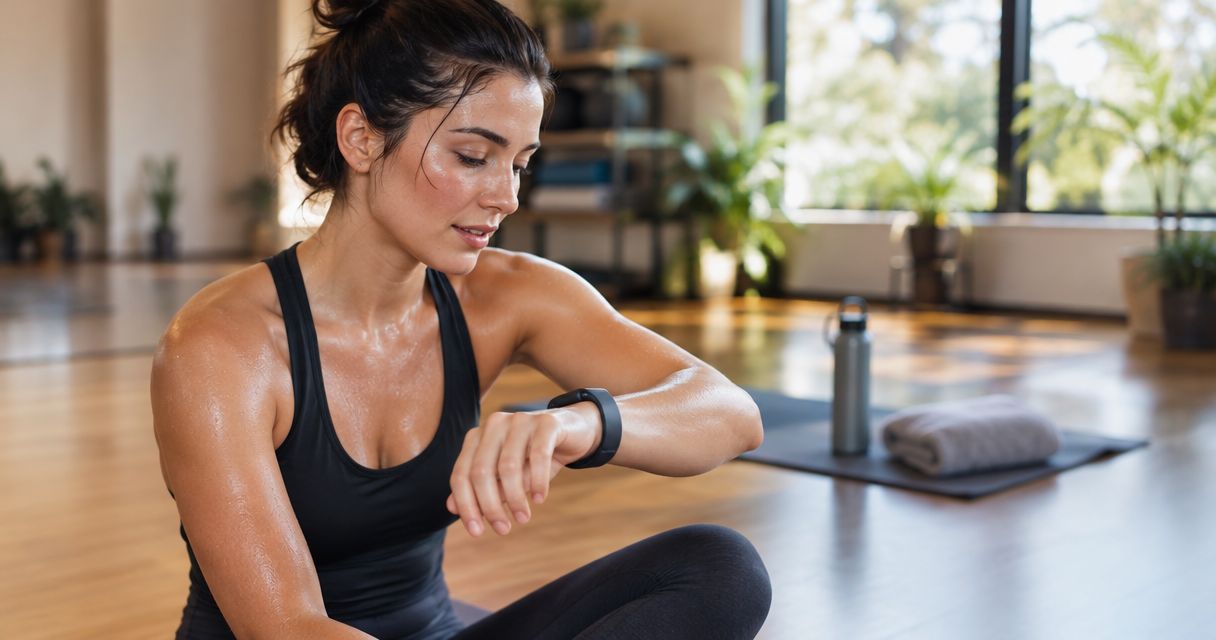
Instead of manually copying calorie totals after every hot yoga class, record the session on your fitness tracker and review the saved workout afterward. A fitness tracker for hot yoga calories provides an estimate, not an exact measurement; this 2026 workflow uses Apple Watch to build a consistent record without treating heat, sweat, or heart rate as proof of calories burned.
- Apple Watch estimates hot yoga calories; use consistent workout settings rather than chasing a higher total.
- A fitness tracker for hot yoga calories cannot turn sweat or heat exposure into an exact energy measurement.
- Unified Hot Yoga suits American Fork beginners seeking hot yoga and Pilates classes across different practice styles.
- Keep one workout entry per class, distinguish active from total calories, and compare similar sessions.
Why this matters
Heat adds cardiovascular strain, so a higher heart rate during hot yoga does not establish a proportional increase in energy expenditure. Your tracker estimates calories from sensor data and personal information; it does not directly measure the energy your body uses.
Use calorie estimates as supporting information, not as the goal of your practice. A complete session record also includes the class style, recorded duration, and how the practice felt.
Unified Hot Yoga offers Vinyasa, Yin, 26&2, Hot Pilates, Barre, and Reformer Pilates in American Fork. For newcomers choosing among these classes in 2026, finding a manageable practice matters more than predicting which session produces the largest watch number.
Before you start
- Have your watch and workout history ready. This walkthrough uses Apple Watch and its built-in Workout app. Charge the watch, check its fit, and confirm that you can review saved workouts on your paired iPhone.
- Prepare for the class, not just the recording. Bring water, suitable movement clothing, and any mat or towel the studio requests. Confirm equipment requirements before attending rather than assuming every class uses the same setup.
- Check the device's environmental limits. Water resistance does not establish suitability for every heated environment. Read your model's operating-temperature guidance before wearing it in a heated room; do not assume a yoga workout mode overrides those limits.
If you have a medical condition, take medication that affects heat tolerance, or have concerns about exercising in heat, ask a qualified clinician for individual guidance. A watch reading is not medical clearance.
Class choice and tracking expectations
Choose your first class by the movement you want to explore, not by a promised calorie total. The descriptions below explain general class formats, not a guarantee of a particular instructor's sequence or equipment setup.
| Class | General format | Best for | Tracking limitation |
|---|---|---|---|
| Vinyasa | Yoga poses connected through movement and breath | Exploring a flowing yoga practice | Pace and transitions differ between sessions |
| Yin | Longer-held, relatively still yoga postures | Exploring a slower practice | Calorie totals do not describe the experience of sustained holds |
| 26&2 | A named yoga format built around a defined posture sequence and breathing exercises | Exploring a structured yoga format | Familiar structure does not make calorie estimates exact |
| Hot Pilates | Pilates-style exercise in a heated setting | Exploring Pilates with heat | Heat-related heart-rate changes complicate calorie interpretation |
| Barre | Barre-based exercise drawing on controlled movement | Exploring a barre-based class | Small movements and sustained effort are not fully described by calories |
| Reformer Pilates | Pilates using a reformer apparatus | Exploring equipment-based Pilates | Resistance and movement quality are not captured by calories alone |
Every format has a useful role, but none makes a wearable an exact calorie instrument. Ask about beginner suitability, modifications, and equipment before choosing your first session.
Personal profile and recording setup
An accurate personal profile removes avoidable input errors. It does not eliminate the uncertainty in a calorie estimate.
- On your paired iPhone, open the Watch app.
- Select My Watch, then Health, then Health Details.
- Tap Edit and review the personal information used for your health profile. Correct outdated information rather than changing it to influence calorie totals.
- Save your changes with Done.
- Put the watch on securely enough to maintain sensor contact, without making the band uncomfortably tight.
Expected result: your personal details are current, and the watch stays in contact with your wrist during ordinary movement.
Before your first tracked class, decide which device will create the workout record. If you also use another recording app, avoid starting both automatically without understanding how each saves data.
For your 2026 baseline, keep the same recording method across comparable sessions. Switching methods midway through your log makes changes harder to interpret because the recording process changes alongside the practice.
Yoga workout recording
For a yoga class, use the yoga activity rather than choosing a more intense activity merely to raise the estimate. A workout label describes the activity; it is not an accuracy guarantee.
- Open Workout on Apple Watch.
- Find Yoga. If it is not listed, scroll to Add Workout and select Yoga.
- Start Yoga when your actual practice begins, rather than when you enter the studio or begin chatting before class.
- Leave the watch alone during practice unless you need to manage the recording. Do not interrupt a pose to inspect a calorie counter.
- When practice finishes, swipe right and tap End. Review the workout summary.
Expected result: you have 1 workout entry for the class, with a duration that reflects the practice rather than the entire studio visit.
A still posture is not automatically a recording mistake. Avoid repeatedly pausing and restarting because the practice slows down; that changes the boundaries of the session you are trying to compare.
Do not continue exercising to reach a calorie target. If you feel dizzy, faint, nauseated, or otherwise unwell, stop exercising and seek appropriate help. The recording can wait.
Workout review and session notes
Review the saved workout after class, when you can give it your attention. The purpose is to catch recording errors and preserve useful context—not to decide whether the class counted.
- Check duration. Look for an early start, late finish, or accidental pause. A recording that includes the drive home is not comparable with one that ends at the final pose.
- Separate calorie labels. Active calories estimate energy above resting expenditure. Total calories include estimated resting expenditure during the recorded period. Compare active with active, or total with total.
- Check the heart-rate record. Look for missing sections or implausible jumps. Do not repair a suspicious trace by inventing replacement calorie values.
- Add context. In a private note, record the class type, any substantial breaks, and your perceived effort on a 0–10-point scale.
- Keep the original estimate. If the session contains a recording error, label it as such rather than multiplying or reducing the calorie number by a homemade correction factor.
Expected result: each saved session has enough context to explain why it belongs—or does not belong—in your comparisons.
Use these three labels for your notes: Class type, Recording quality, and Perceived effort. They keep the review focused without turning a welcoming class into another administrative task.
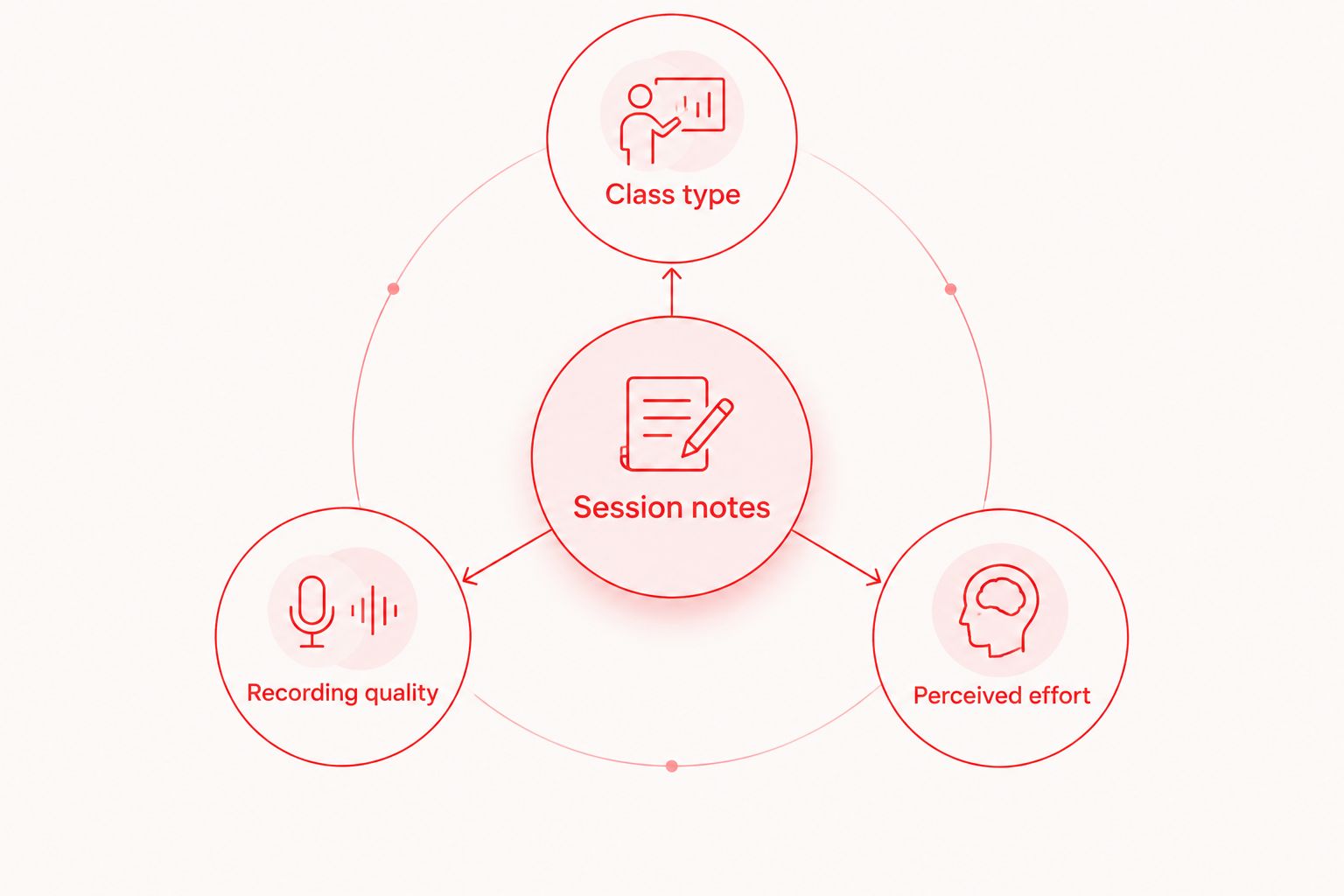
For a practical 4-week review, group similar classes and look first at attendance and recording consistency. This is an organizational suggestion, not a scientifically validated period for proving calorie accuracy.
When you record Pilates or Barre instead
The same logging process works beyond yoga, but the activity label needs another check. Do not label every class Yoga simply because it takes place at a yoga studio.
For Pilates, use Pilates when that workout option is available on your watch. For Barre, use Barre when available. Check the workout list on your own device rather than assuming every model or software version offers identical choices.
| Recording approach | Best for | Advantage | Limitation |
|---|---|---|---|
| Watch workout plus short notes | Keeping a sensor-based exercise history | Saves a workout record with supporting context | Calorie estimates remain uncertain |
| Manual attendance notes | Practicing without wearing a device | Records participation without relying on wrist sensing | Does not provide a sensor-based calorie estimate |
Unified Hot Yoga's Pilates and Barre classes belong in their own comparison groups, not in a single calorie leaderboard with Vinyasa or Yin. Keep Hot Pilates separate from Reformer Pilates so the class context remains visible.
When a saved workout changes, update your note if its duration or class label changed. Do not create a second workout merely to attach the correction.
Troubleshooting
The calorie estimate is unexpectedly high
Check whether you are reading total calories rather than active calories, whether the workout ran beyond class, and whether your profile is current. Heat-related cardiovascular strain also makes a high heart rate insufficient evidence of a proportional calorie increase.
Keep a questionable session out of calorie comparisons. Do not apply a universal hot-yoga adjustment percentage; there is no single correction that makes every wearable estimate accurate.
Heart-rate data has gaps
Check sensor contact and band fit, and clean the device according to its manufacturer's instructions. Wrist position, movement, and contact can affect optical heart-rate recording.
If gaps continue, keep an attendance note instead of presenting an incomplete sensor record as a precise result. Tightening the band until it hurts is not a fix.
The same class appears twice
Check whether the watch and another app both created a workout. Identify which entry came from which source before removing anything, then choose one recording source for future sessions.
Two entries are not automatically two separate workouts. Preserve the record you intend to use consistently.
Similar classes produce different totals
Compare duration, class format, recording quality, and perceived effort before interpreting the difference. A changed calorie estimate alone cannot establish improved fitness, greater effort, or a better class.
Your 2026 log should preserve differences in context rather than forcing every session into an identical result. Mark unusual sessions clearly and keep practicing without chasing the previous total.
Customize your workflow
Once recording becomes routine, connect your attendance habits to your planning. The guide to connecting a class booking to a Google Calendar reminder covers a separate workflow: remembering the class, rather than estimating its calories.
Keep those jobs separate. A calendar event confirms a plan; a saved workout records an activity; neither proves an exact calorie expenditure.
At Unified Hot Yoga, choose among hot yoga, Hot Pilates, Barre, and Reformer Pilates according to the practice you want to attend consistently. Before choosing a membership in 2026, review the studio's current membership information and confirm how the classes you want fit your schedule.
FAQ
What's the best fitness tracker for hot yoga calories?
No fitness tracker provides an exact hot yoga calorie measurement. Apple Watch is the example used in this guide; choose a device that supports your activity, maintains usable sensor contact, and is suitable for the environment under its manufacturer's guidance.
Does sweating more mean I burned more calories in hot yoga?
No, sweat volume is not a calorie measurement. Sweating helps regulate body temperature, and more sweat does not establish a proportional increase in energy expenditure.
Which Apple Watch workout should I use for hot yoga?
Use Yoga for a yoga class. The activity label helps keep records consistent, but it does not make the calorie estimate exact or override the watch's environmental limits.
Should I compare active calories or total calories?
Compare the same calorie category across sessions. Active calories exclude estimated resting expenditure, while total calories include it during the recorded workout.
Can I use the same tracking workflow for Hot Pilates and Barre?
Yes, use the same recording and review process with the appropriate workout option when available. Keep Hot Pilates, Barre, Reformer Pilates, and yoga sessions in separate comparison groups.
Is Unified Hot Yoga suitable for a first yoga or Pilates class?
Unified Hot Yoga offers yoga and Pilates classes for practitioners of all skill levels in American Fork. Ask about the specific class format, preparation, and beginner modifications before your first visit.
Should I eat back every calorie my watch says I burned?
Do not treat a wearable calorie estimate as an exact food allowance. For nutrition guidance tied to training, weight management, or a medical condition, consult a registered dietitian or another qualified clinician.
One last thing
Consistency makes a record comparable; it does not make it accurate. Using the same watch and settings helps you maintain an orderly history, but a repeatable estimate can still differ from your actual energy expenditure.
For the rest of 2026, let the tracker document your practice—not judge it. A useful log leaves room for learning, community, and classes you enjoy even when the calorie number is modest.