Instead of repeatedly searching for a class and wondering whether your reservation went through, follow the studio’s booking route to Mindbody, select your session, and verify the reservation in your account. This 2026 guide explains how to book Unified Hot Yoga on Mindbody, choose a first class, and keep your calendar aligned with your booking.
- To book Unified Hot Yoga on Mindbody, follow the studio’s booking route and verify the completed reservation.
- Unified Hot Yoga suits American Fork newcomers choosing among yoga, Hot Pilates, Barre, and Reformer Pilates.
- Select the class format before choosing a time; similar names do not mean identical sessions.
- A calendar entry is a reminder, not proof that your class reservation succeeded.
Why this matters
A booking is complete when your account shows the correct reservation—not when you finish browsing. Start at Unified Hot Yoga and follow the studio’s current booking route rather than relying on an old search result or saved session link.
For your first visit in 2026, keep the task small: choose 1 class, complete its booking, and check the result. You can explore another format after you understand what the first session involves.
Unified Hot Yoga is best for American Fork newcomers who want yoga and Pilates class choices at one studio. The practical trade-off is that those choices require attention: Vinyasa, Yin, 26&2, Hot Pilates, Barre, and Reformer Pilates describe different experiences, not interchangeable appointment slots.
Before you start
- Account access: Have access to the email address you use for studio bookings. If you already have a Mindbody account, use that account rather than creating another one because you cannot immediately see a reservation.
- Class choice and preparation: Know which format you want to try. Have comfortable movement clothing and water ready, then check the studio’s newcomer guidance for mat, towel, footwear, and equipment requirements before packing.
- The easy-to-miss gotcha: Choosing a class is not the same as reserving it. Read every booking screen through to the final result, including any terms or account requirements shown before completion.
Use the live booking screen for your 2026 class date, instructor, session length, and participation instructions. A saved screenshot helps you remember a choice, but it does not replace the current session details.
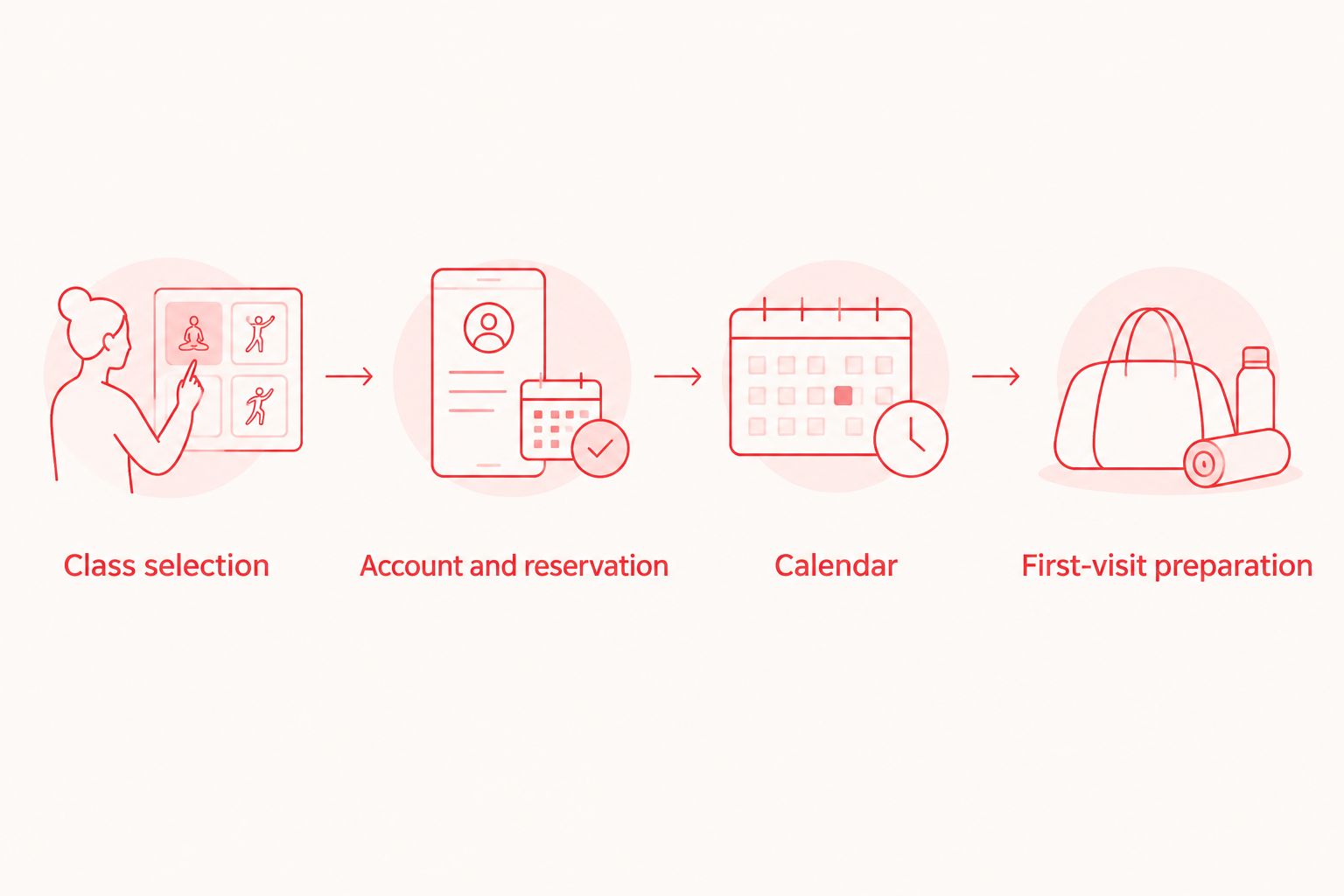
Class selection
Match the format to your first-class goal
Choose the movement style before choosing the most convenient time. These are general descriptions of the disciplines, not promises about a particular instructor’s sequence or an individual session’s requirements.
| Class format | What the discipline involves | Best for | Practical advantage | Trade-off to consider |
|---|---|---|---|---|
| Vinyasa | Yoga poses linked through movement and breath | People interested in a flowing yoga practice | Combines transitions and poses in a connected sequence | Following transitions takes attention when poses are unfamiliar |
| Yin | A slower yoga practice with sustained positions | People who prefer less frequent transitions | Gives you time to settle into a position | Sustained positions still require comfort checks and appropriate modifications |
| 26&2 | A structured yoga format built around a set sequence | People who prefer a repeatable practice structure | Familiarity with the sequence can support learning | A fixed sequence offers less variety than changing class sequences |
| Hot Pilates | Pilates-based exercise in a heated setting | People seeking Pilates-style movement who also want heat | Brings movement and a heated environment into the same session | Heat adds a separate comfort consideration beyond the exercises |
| Barre | Exercise drawing on ballet-inspired positions and controlled movements | People interested in barre-based fitness | Offers a distinct movement style without requiring a dance-performance goal | Unfamiliar positions and repeated movements need careful attention to form |
| Reformer Pilates | Pilates using a carriage-and-spring apparatus | People interested in equipment-based Pilates | Equipment provides a different movement experience from mat practice | You need instruction on apparatus setup and safe use |
Unified Hot Yoga offers these formats for practitioners of all skill levels. That does not make every session identical: read the individual description and ask about beginner suitability before committing to a class you do not understand.
- Identify the format that interests you, using the table as a starting point.
- Open the current session description and read the participation instructions.
- Confirm the studio location, class date, start time, and format together.
- Ask the studio about unfamiliar requirements before completing the reservation.
Expected result: You can name the format you selected and explain what you are signing up to do. If your answer is only “the evening class,” return to the description.
Account and reservation
Follow the booking route to completion
Open the booking route from the studio’s website. If it opens Mindbody, continue there using the account associated with your studio activity; the app and browser can present controls differently, so follow the wording displayed on your own screen.
- Sign in through the account access control, or complete the registration process if you are a new customer.
- Check your identity before proceeding. Confirm that the signed-in email is the one you intend to use for class communication.
- Select the session you already reviewed. Recheck the date and class format after opening its details.
- Review the terms displayed for that session, including any cancellation conditions and account requirements.
- Complete the reservation using the final action shown on the booking screen. Do not stop after selecting a session or viewing an account option.
Before choosing an intro option or membership, read the studio’s current membership information and confirm which classes it covers. Do not assume an option applies to every format simply because the studio offers all of them.
Expected result: The booking process displays a completed reservation, or your account shows the class as booked. An unfinished form or an open class description is not that result.
Verify the reservation before leaving
Make 2 checks before you close the booking screen: confirm that the reservation exists, then confirm that its details match your intended visit. These checks prevent a simple date or format mistake from becoming a wasted trip.
- Open the part of your signed-in account that lists your bookings.
- Find the intended class and inspect its reservation status.
- Compare the date, start time, studio location, and class format with your original choice.
- Read any confirmation message or email you receive, including preparation instructions.
Do not interpret an ambiguous status as a completed booking. If the account does not clearly show a reservation, check with the studio before repeating the transaction.
Expected result: You can find the class again from your account without retracing the original search. You also know whether further action is required.
Calendar and first-visit preparation
Keep the reminder separate from the reservation
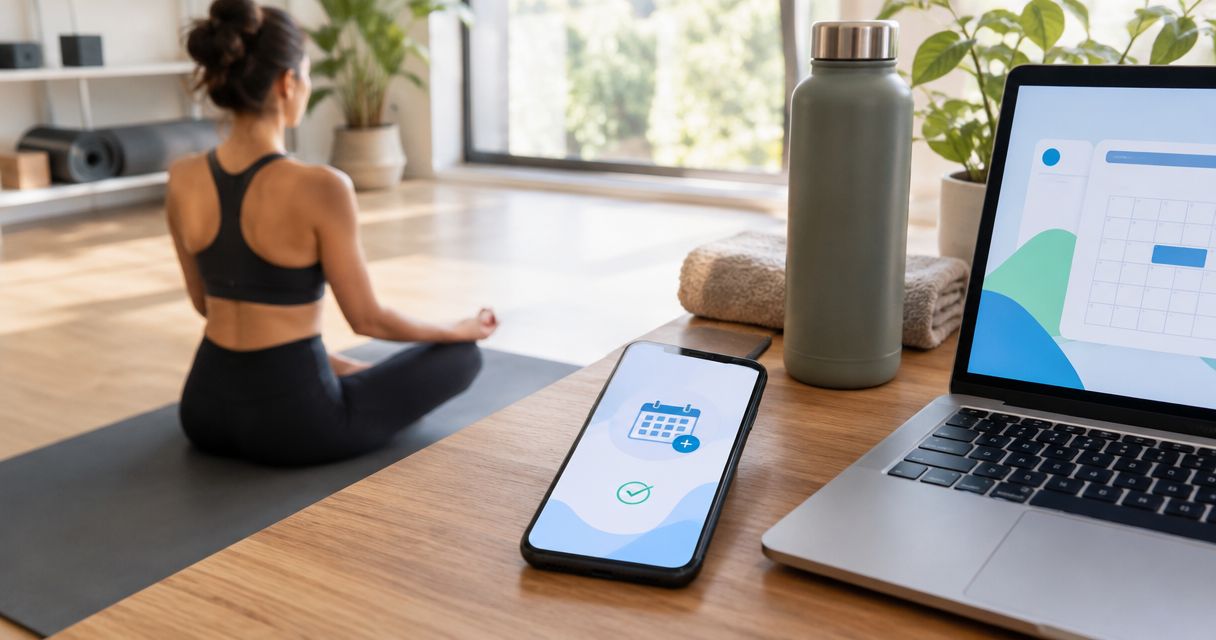
Once the booking is confirmed, add it to your calendar using a calendar option if one is offered, or enter it manually. For a 2026 visit, check the full date rather than relying only on the weekday.
- Record the appointment with the class format, start time, and studio location.
- Add 1 reminder that leaves room for your travel and the studio’s stated arrival instructions.
- Review preparation guidance for clothing, water, mats, towels, footwear, and equipment.
- Plan the journey from American Fork or your Utah County starting point using the actual class location.
Expected result: Your calendar helps you arrive prepared, while your booking account remains the place you check reservation status. Editing or deleting a personal calendar event does not change a studio reservation.
For your first class, tell the instructor that you are new to the format and ask how to approach unfamiliar movements. For Reformer Pilates, ask for apparatus guidance before using the equipment; for a heated class, discuss any concerns about exercising in heat before participating.
If you have a medical condition, are pregnant, or are unsure whether heated exercise is appropriate for you, ask a qualified healthcare professional for individual advice. A class description cannot answer a personal medical question.
Change your class without losing track
A second workflow matters just as much as the first: moving from an existing reservation to a different session. Change the booking through the studio’s booking system, not just through your calendar.
- Open the existing reservation and read the cancellation conditions attached to it.
- Decide whether you need to cancel, change the session, or contact the studio for help.
- Follow the action provided for that reservation and check its final status.
- Book the replacement session separately if the system requires it.
- Confirm the replacement before updating your calendar.
The advantage of changing a booking through your account is that you can inspect the reservation itself. The limitation is that a calendar change alone cannot communicate your decision to the studio.
For any rescheduled 2026 visit, repeat the same detail check: date, start time, location, and format. Switching from one class type to another also calls for a fresh look at preparation and participation requirements.
Expected result: Your account reflects the intended change, and your calendar matches the reservation you actually hold. If either status is unclear, ask the studio before making another booking attempt.
Troubleshooting
You cannot find the studio or the intended class
Return to the studio’s website and follow its current booking route. Check the location, selected date, and any filters before assuming the session you remember is the one displayed.
Your account does not show the expected reservation
Check the signed-in email against the address used during booking. If the details differ, recover access to the original account rather than immediately creating another profile; ask the studio for help if the reservation remains unclear.
You stopped before the final booking result
Reopen your account and check the reservation list before trying again. This avoids repeating a transaction when the original attempt completed but you missed the confirmation screen.
You are unsure whether your account option covers the class
Read the option’s current terms and the session requirements. Ask the studio about the specific format—especially when changing between yoga, Hot Pilates, Barre, and Reformer Pilates—instead of assuming all sessions use identical access rules.
Your calendar and booking account disagree
Use the booking account to inspect the actual reservation, then correct your calendar. If you intended to cancel, confirm the cancellation through the booking system; removing a reminder is not a cancellation request.
Customize your workflow
After your first visit, keep a short note about the format, the preparation that helped, and any question to ask next time. That gives you a useful basis for choosing another class without turning attendance into an administrative project.
Choose your next step by experience rather than by name alone:
- Repeat the format if you want another opportunity to learn its movements and instructions.
- Try another format if you want a different style of practice, after reading its description and preparation requirements.
- Review membership options once you know which formats and times fit your routine. Confirm the applicable terms before joining.
Unified Hot Yoga offers several ways to build a practice, but your next booking only needs to support the next visit. A realistic class choice is more useful than filling a calendar you have not checked against your routine.
FAQ
How do I book Unified Hot Yoga on Mindbody?
Start from the studio’s website, follow its current booking route, and complete the reservation if it opens in Mindbody. Before leaving, verify that your account shows the correct class, date, and start time.
Do I need a new Mindbody account for my first class?
Use your existing account if you already have one associated with your studio activity. If you are new, follow the registration instructions shown during booking and use an email address you can access.
Which class should I choose as a beginner?
Choose a format you understand, then confirm that the individual session suits a newcomer. Vinyasa, Yin, 26&2, Hot Pilates, Barre, and Reformer Pilates involve different movement styles, so read the description rather than choosing by time alone.
What should I bring to my first class?
Bring water and comfortable movement clothing, then follow the studio’s current preparation instructions. Check mat, towel, footwear, and equipment requirements for your selected format rather than assuming every class needs the same items.
Does adding a class to my calendar mean I booked it?
No. A calendar entry is a personal reminder; verify the reservation in your booking account before planning your visit around it.
How do I move my booking to another class?
Open the existing reservation, read its cancellation conditions, and use the booking system’s provided action. Confirm the replacement session separately if required, then update your calendar to match.
Where should I check membership terms before joining?
Read the studio’s current membership information before selecting an option. Confirm which class formats it covers and review the applicable booking and cancellation terms.
One last thing
Before your first 2026 visit, reopen the reservation—not just the reminder. That final check brings the date, format, and preparation instructions back into view while you still have time to resolve a question.