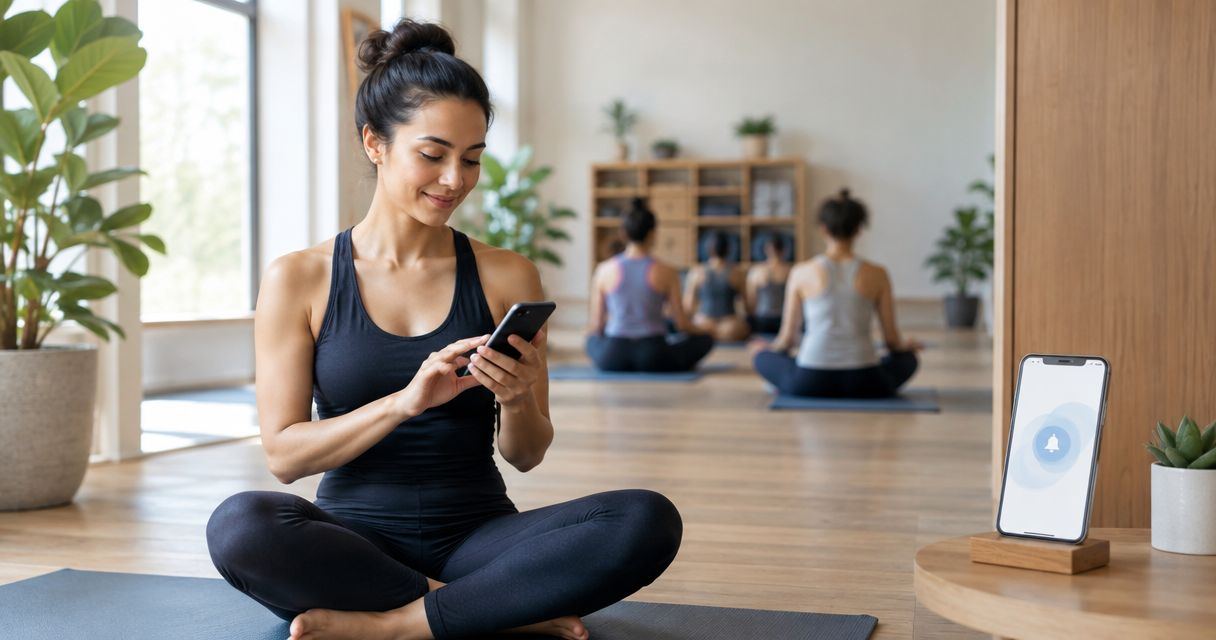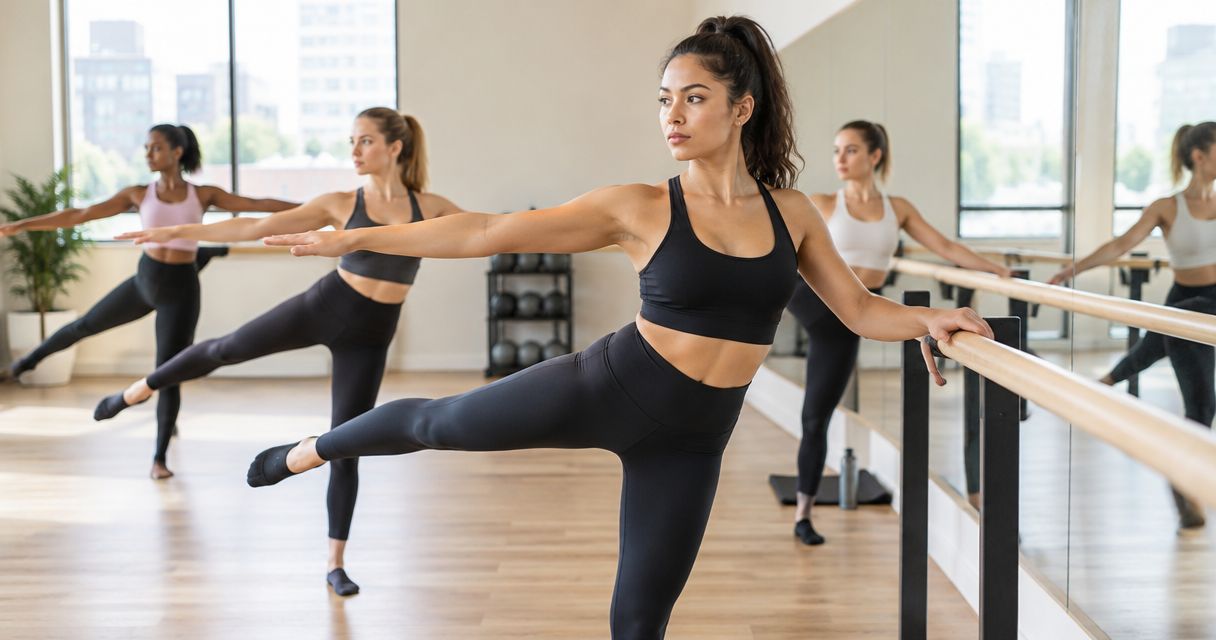

Instead of repeatedly checking a Facebook event and wondering whether you have a place, use this Facebook event RSVP to booked class workflow: open the studio schedule, select the matching session, complete registration, and verify the booking. Your Facebook response expresses interest; your class reservation needs its own confirmation.
- The Facebook event RSVP to booked class workflow ends with a confirmed reservation, not a social response.
- Unified Hot Yoga offers American Fork beginners yoga, Hot Pilates, Barre, and Reformer Pilates options.
- Match the event date, class type, and start time against the studio schedule before registering.
- Keep booking confirmation and calendar reminders separate: a reminder is not proof of a reservation.
Why this matters
A Facebook event helps you discover a class and coordinate with friends. The studio schedule is where you should check the session you intend to attend and follow its registration instructions. Treat those as separate tasks in your 2026 class-planning routine.
Unified Hot Yoga is best for American Fork beginners who want yoga and Pilates options in one studio. The studio offers Vinyasa, Yin, 26&2 yoga, Hot Pilates, Barre, and Reformer Pilates for practitioners of all skill levels. That choice is useful, but it also makes matching the exact class important.
This guide uses a reader-controlled handoff rather than assuming Facebook and the booking system are connected. You do not need an automation service to follow it, and you should not authorize an unfamiliar service simply to reserve a first class.
Before you start
- Have the event and schedule accessible. Keep the Facebook event open alongside the studio schedule. Have access to the email address and any existing booking account you use for studio reservations.
- Know which session you want. Record the event's class name, date, start time, and location. For a 2026 event, check the full date rather than relying on a weekday or an old shared screenshot.
- Watch the non-obvious gotcha: RSVP is not booking evidence. Facebook's Interested or Going response does not, by itself, show that you completed the studio's registration process. A calendar entry does not establish that either.
Before committing, read the class description, preparation instructions, and terms shown during registration. If you need an accommodation or have a health concern, ask the studio about class demands and seek appropriate medical guidance before choosing a heated session.
Event details and class selection
Match the event to the actual session
- Open the Facebook event and read its description, not just the headline. Look for registration instructions and any updates from the organizer.
- Note the class type, full date, start time, and location. Check whether the event describes a particular session or a broader studio gathering.
- Open the studio schedule separately. Find the session whose details match the event rather than selecting the first class with a similar name.
- Read that session's description. If the event and schedule disagree, ask the organizer to clarify before proceeding.
Expected result: you can identify one specific session without guessing which date, format, or location the event means.
Choose a format, not just a familiar name
Unified Hot Yoga's class choices serve different preferences. These are general format distinctions, not promises about a particular instructor's sequence; use the scheduled class description to confirm what your session involves.
| Class format | What the format involves | Best for | Trade-off to consider |
|---|---|---|---|
| Vinyasa | Yoga postures linked through movement and breath | People interested in a flowing yoga practice | Transitions require attention when poses are unfamiliar |
| Yin | Longer-held yoga postures with less frequent movement | People who prefer time to settle into a posture | Stillness and sustained positions are not automatically easy |
| 26&2 yoga | A defined sequence of 26 postures and 2 breathing exercises | People who prefer a recognizable sequence | A set sequence offers less variation in posture selection |
| Hot Pilates | Pilates-based exercise in a heated setting | People interested in Pilates with heat | Heat adds a preparation consideration beyond the exercises |
| Barre | Ballet-inspired positions combined with fitness exercises | People who enjoy controlled, repeated movements | Unfamiliar positions can take time to learn |
| Reformer Pilates | Pilates performed using a reformer apparatus | People interested in equipment-based Pilates | The equipment requires an introduction and attention to setup |
No format wins for every beginner. Choose the practice you want to learn, then ask whether the particular session suits someone attending for the first time. Do not assume that every class has the same heat, equipment, or preparation requirements.
Registration and booking confirmation
Complete the studio's registration process
- Open the matching session from the schedule and follow the registration instructions presented there. Use the actual controls on the page rather than looking for a button name copied from another booking service.
- If prompted, sign in to your existing account or create the account required for registration. Use an email address you can access and check the spelling before continuing.
- Review any participation forms, class terms, and membership requirements presented to you. Complete the required steps before treating the session as reserved.
- Submit the reservation, then read the resulting status. If the page does not clearly establish a confirmed place, check the booking account or ask the studio before trying again.
Expected result: the booking record identifies the correct class and session and clearly establishes your reservation status.
For your first attempt, aim for 1 confirmed class reservation, not several speculative bookings. That is a planning recommendation, not a studio booking limit. It keeps your first visit focused and avoids confusion about which session you intend to attend.
For a 2026 membership decision, consult the studio's current membership information rather than an old Facebook caption or another attendee's recollection. Confirm which class formats a membership covers before choosing it; do not assume every format has identical booking terms.
Verify the handoff before closing either page
- Compare the booking record with the Facebook event. Check the class name, date, start time, and location again.
- Make 2 separate checks: first confirm your reservation status, then confirm that the session details match your plan.
- Save the confirmation in a place you can find at arrival. Use the booking record as your reference rather than the event's attendee list.
- Return to Facebook if you want to update your social response. Treat that response as communication with the event community, not an additional reservation step.
Expected result: your social plan and class reservation refer to the same session, with booking evidence kept separately.
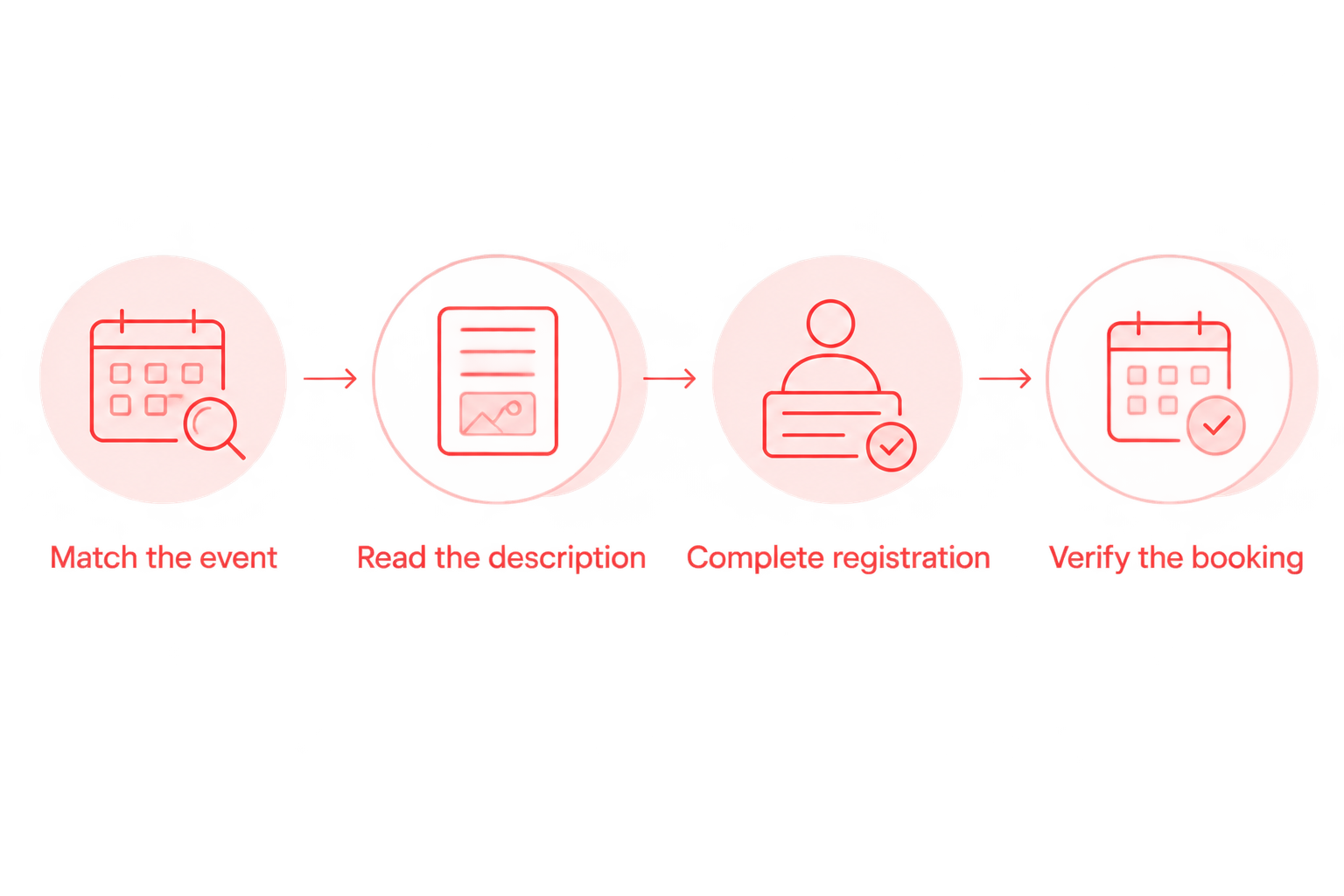
Arrival preparation and reminders
Prepare for the class you actually booked
- Read the preparation instructions attached to your session or supplied by the studio. Confirm what equipment you should bring and what the studio provides.
- Plan comfortable exercise clothing and access to drinking water. For a heated practice, consider your comfort with heat and ask about preparation before arrival rather than experimenting during class.
- Check whether your chosen format has specific requirements. Ask about mat and towel needs for yoga or Hot Pilates, footwear or socks for Barre, and equipment orientation for Reformer Pilates.
- Tell the instructor that this is your first visit. Ask how to request help, take a break, or use an alternative movement without feeling that you need to keep pace with everyone else.
Expected result: you know what to pack, what still needs clarification, and how to ask for support when you arrive.
Use the first hot yoga class packing guide for a preparation checklist if you chose a heated yoga session. For other formats, follow the instructions for that class rather than copying a yoga packing list unchanged.
Add the confirmed session to your calendar only after checking the booking. Include the class name, location, and enough travel time for your journey from American Fork or a nearby Utah County city. Set a reminder that fits your routine; an alert helps you remember but does not create or amend a reservation.
When the Facebook event changes after you book
An event update creates a second workflow: compare first, change your reservation second, update your calendar last. Do not assume an edited Facebook event has changed an existing class booking.
- Read exactly what changed: date, start time, location, class type, or general event information.
- Compare that update with your existing booking record and the current studio schedule. An update to the social event is a reason to check, not proof of a booking change.
- If the details conflict, ask the organizer or studio which session your reservation covers. Avoid making another reservation while the first one's status remains unclear.
- Follow the applicable instructions for changing or canceling your original reservation if a change is necessary. Then verify the resulting status.
- Update your calendar and tell any friends whose plans depend on yours.
Expected result: your reservation, calendar, and shared plans agree again.
Keep this same approach for recurring events in 2026. Treat each intended visit as its own booking check; one social response should not stand in for verifying future sessions.
Troubleshooting
Facebook says Going, but you cannot find a booking
Open your studio booking record and look for the specific session. If it is not there, complete the schedule's registration process or ask the studio to confirm your status; do not use Going as evidence that registration succeeded.
The event and schedule show different times
Compare the full date, location, and any time-zone information displayed. Read event updates, then ask for clarification if the discrepancy remains. Do not choose whichever time is more convenient and assume the records refer to the same session.
Registration stops at a sign-in screen
Use the account associated with your existing studio bookings. If you cannot access it, follow the recovery instructions shown before creating another account; multiple accounts can make it harder to find the reservation you intended to check.
You submitted registration but see no clear confirmation
Check the booking account and the email address you entered, including filtered messages. Avoid submitting repeatedly while the outcome is uncertain. Ask the studio to verify the reservation if the status remains unclear.
A friend responded to the event but has not registered
Ask your friend to check their own reservation. An event invitation, comment, or shared travel plan does not establish each person's booking status. Coordinate rides after everyone has verified the session they intend to attend.
Customize your workflow
Best for a first visit: keep the process simple—one chosen format, one confirmed session, and one calendar entry. The benefit is clarity; the limitation is that you still need to check event updates yourself.
Best for attending with friends: agree on the exact session, then have each attendee verify their own registration. This preserves the community part of the plan without confusing a group conversation with individual booking evidence. The trade-off is an extra check for everyone.
Unified Hot Yoga's yoga and Pilates options let you choose based on the practice you want to explore, rather than the first event that appears in your feed. After your visit, consider how the instruction, format, and travel fit your routine before making a membership decision.
FAQ
Does marking Going on Facebook book my yoga class?
A Going response is not sufficient evidence of a studio reservation. Complete the class registration process and verify the booking record for the exact session.
What's the simplest Facebook event RSVP to booked class workflow?
Match the event to the studio schedule, complete registration, and verify the reservation. Add the confirmed session to your calendar afterward.
Which Unified Hot Yoga class should I choose as a beginner?
Choose a format that interests you, then confirm that the scheduled session suits a first visit. Unified Hot Yoga offers Vinyasa, Yin, 26&2 yoga, Hot Pilates, Barre, and Reformer Pilates for practitioners of all skill levels.
What should I bring to my first class?
Follow the preparation instructions for the class you booked. Ask about mats, towels, socks, and equipment rather than assuming that yoga, Barre, and Reformer Pilates have identical requirements.
Can I book for a friend by inviting them to the Facebook event?
A Facebook invitation does not establish your friend's studio reservation. Each attendee should verify registration or follow any group-booking instructions explicitly provided by the studio.
What happens if the Facebook event changes after I register?
Compare the update with your booking record and the current schedule before changing anything. If they conflict, ask the organizer or studio to clarify, then follow the applicable reservation-change instructions.
Do I need an automation app to book a class from Facebook in 2026?
No automation app is needed for the reader-controlled workflow in this guide. Open the schedule, register for the matching session, and verify the result yourself.
One last thing
The most useful final check is the session date, not the social response. Before leaving home, open the booking record and read the full date, class name, and start time once more. That small check keeps an old event, a recurring invitation, or a changed plan from becoming your arrival instructions.